
What I found when I read UPay's own pages — and what it left unsaid
 Available in US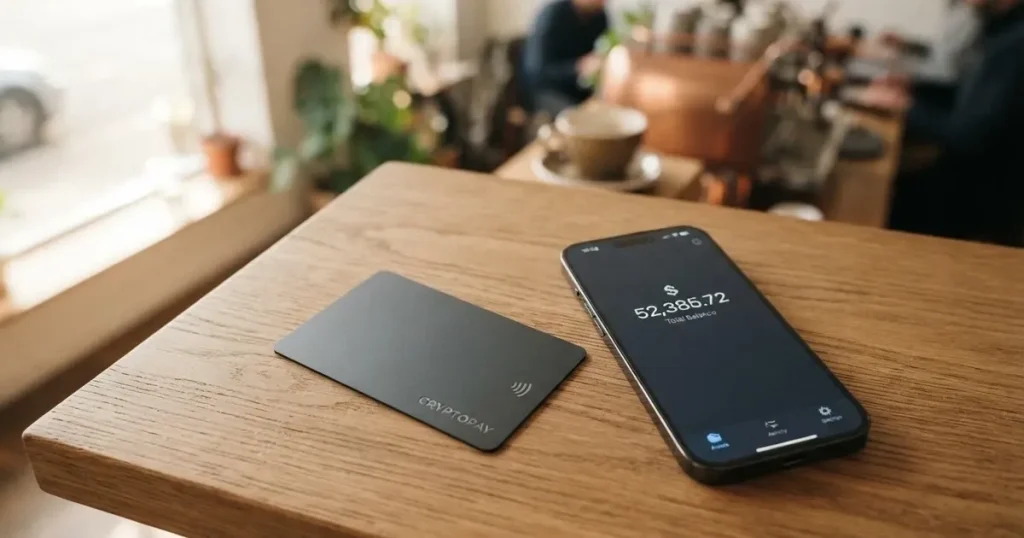
If you are trying to get an ordinary payment card and having trouble — no local bank will open one for you, the paperwork is a wall, or you simply want to spend a crypto balance without thinking about it — then UPay is the kind of product that shows up on a search for exactly that. And that is where the trouble starts. I spent my time reading what UPay publishes about itself, then went looking for what people say after signing up, and I came away with a card that is genuinely convenient in some ways and remarkably quiet in others. This page is my account of both.
The conditions described below are current as of October 28, 2026.
Verdict: 6.1 / 10 — a card that promises a lot and documents little
UPay earns a 6.1 out of 10 from me. That is not a condemnation. It is a “works, with caveats you must read first” score. The card does its headline job: you top up a wallet with crypto and you have a card number that pays at shops, in Apple Pay, Google Pay and Samsung Pay, virtual or physical. What holds it back is not the product, it is the paperwork around the product. Almost every number a shopper actually cares about — the fee to open the card, the monthly fee, the conversion rate, the foreign-exchange cost, the ATM charge, the daily and monthly ceilings — is simply not stated on the pages UPay publishes. I had to go to third-party sites, and those sites contradict each other.
Who this card suits, then? Someone who already holds BTC, ETH, USDT or USDC, wants that balance on a card, and is comfortable verifying their identity and accepting that the terms may shift under them. Who it does not suit? Someone who needs a card this week with a fee schedule they can read in advance, lives in a place UPay might refuse to serve, or intends to load large sums and move them quickly. Let me show you the score line by line so you can weigh it yourself.
| Criterion | Mark | Why |
|---|---|---|
| Who can get it | 8 / 10 | Claims support in 180+ countries but does not publish the country list; some residents are not served. |
| Cost | 4 / 10 | Official fees not disclosed at all; third-party figures clash ($10 vs $50 vs $100 issuance). |
| Top-up options | 6 / 10 | Wallet top-up with BTC, ETH, USDT (USDC listed too); the networks are not named. |
| Reliability and complaints | 4 / 10 | Trustpilot 3.3 from a single review; reports of frozen accounts and false PEP flags; issuer unnamed. |
| Everyday use | 9 / 10 | Virtual and physical cards, Apple/Google/Samsung Pay, ATMs mentioned — fee not published. |
| Total | 6.1 / 10 | Strong for daily spending, weak on published transparency. |
Read that table and you see the shape of it. The two categories that make a card pleasant to live with — who can get it and how you use it day to day — score well. The three that decide whether you can trust it with money and sleep at night — what it costs, whether it is reliable, and (partly) how you fund it — score poorly or middlingly. That is the trade I would weigh before clicking anything.
Will they give you the card?
Yes, probably — but you cannot tell from the public pages whether “probably” includes you. Here is the honest state of it. UPay says it does not serve residents of certain countries and that the list can change as regulatory or issuer policies change; it claims support in 180+ countries. It does not publish the list of countries. Third-party sites, which are not confirmed by the card, say “over 150 countries” (Finbold, 20 July 2026, giving the US, Germany, France, Argentina and Canada as examples, adding that availability depends on your location, eligibility and which product) or “at least 168 countries” (TechBullion, undated and company-friendly). Nobody has published a restricted-country list. So “180+ countries” is a marketing number, not a promise you can check.
There is one hard rule UPay does state, and it catches people out. Your identity document must be issued by the same country as you. That is a stricter test than “I live here.” If you moved across a border and still hold a passport from your old country, that is the detail to sit with before you apply. Nationality and residence are also screened separately for sanctions and issuer risk, which is standard practice across the industry and is why a card can be refused even from someone with a perfectly valid local address.
The bottom line: treat “will they give me the card” as an open question you cannot answer from the website, and expect to find out by applying.
How to get it
The process is short and, unusually, mostly published. UPay runs its identity checks through a provider called Sumsub. You create an account and verify, you choose and apply for a card, you fund the wallet, you spend. The check takes about 5 to 10 minutes and, again, your ID must be from your own country. Whether proof of address is required and what minimum age applies are not stated on the pages I read.
On the card itself you have choices: virtual or physical, personal or business. The card network is not named on UPay’s own pages — third-party sites disagree about whether it is Visa, Mastercard or both, and one describes a Visa virtual card on Stellar (these are unofficial, not confirmed by UPay). What UPay does state is that payments convert to USD, EUR, AED and others, so you spend in local currency rather than in crypto directly. Delivery of a physical card — which countries, how long, at what cost — is not stated, though a “physical card option” is mentioned.
One thing worth knowing before you fill anything in: a single Trustpilot review of UPay, read in October 2026, scored a 2-star for a failed KYC where the applicant used a Palau digital-residency ID. Not everyone wants a digital-residency document, but it is a concrete example of the ID-type friction some people hit.
Fees: what it really costs, and what it won’t say
This is the section where I have to be blunt: UPay does not publish its fee schedule. Not the issuance fee, not a monthly fee, not the conversion spread, not the foreign-exchange cost, not the ATM charge, not the daily or monthly limits. The help-centre terms page is a stub that lists topics without content. The card page says only that a conversion “may” occur during payment, depending on the network and settlement. Anyone who tells you exactly what UPay costs is reading a third-party page, not UPay.
Here is what a third-party page says, and please note the figures conflict:
| Item | Officially stated | Unofficial figures seen (not confirmed by UPay) |
|---|---|---|
| Issuance — virtual | not stated | $10 (Finbold, Jul 2026); $50 for a Stellar virtual card (cryptocards.so) |
| Issuance — physical | not stated | $100 activation for Premier/Platinum/Precious (Finbold); no annual fees |
| Monthly fee | not stated | none on the Stellar virtual card (cryptocards.so) |
| Top-up / recharge | not stated | 2% on virtual cards, 1% on Precious, 1.5% at UPay Wallet (Finbold); 3% on a Stellar card (cryptocards.so) |
| Conversion / transaction | not stated | flat 1% transaction fee on Premier virtual, “no deposit or cross-border fees”; “no FX fees” advertised (Finbold) |
| Foreign exchange | not stated | 1% on a Stellar card (cryptocards.so) |
| ATM | usable at ATMs; fee not stated | withdrawals supported, no amount (The Coin Republic, Jun 2026); not supported on the Stellar virtual card (cryptocards.so) |
| Daily / monthly limits | not stated | $20,000 daily, monthly unlimited on a Stellar virtual card (cryptocards.so); Finbold says no limits |
With a table that empty in the “officially stated” column, the only honest way to discuss cost is walk through three ordinary payments and ask which of these unstated charges might quietly apply to each.
Buying coffee. Suppose you tap in a local café. If your balance is in a crypto that is not your card’s currency, a conversion happens and the spread applies; the marketing line about paying “without the need for currency conversion” does not rule that out, because the card’s own disclaimer says conversion between digital assets and fiat may occur during payment. On a Premier virtual, an unofficial 1% transaction fee is described. Add to that whatever the café charges and you are paying something in the low single digits above the headline price — but the spread itself, the exact amount, is not published.
Paying an online subscription in a currency your card converts to. This is where the “fee or spread for foreign-currency payments: not stated” line bites hardest. Third parties advertise “no FX fees,” but one source lists a 1% FX fee on a different card in the same family. I cannot reconcile these for you. Assume some conversion cost exists and find out the number before you rely on the card for anything recurring.
Taking money out at an ATM. UPay says the card works at ATMs but names no fee and no allowance. One source says withdrawals are supported with no amount given; another says ATM withdrawals are not supported on the Stellar virtual card at all. If cash matters to you, this is the single biggest thing to clarify in support before you need it.
The pattern across all three is the same: the product does the job, and the price of the job is invisible. I am not going to fill that gap with a guess.
Top up: loading the card from crypto
Topping up is the clearest part of the whole operation. You fund the wallet with BTC, ETH or USDT; USDC is also listed among supported coins. That is the official statement. What is not stated, on any of the pages I read, is the network to use, the top-up fee, the minimum, or any fiat option — the fee, minimum and fiat routes are absent from the card page, the home page and the help centre alike. Nor is there a page describing how to withdraw the balance or close the account.
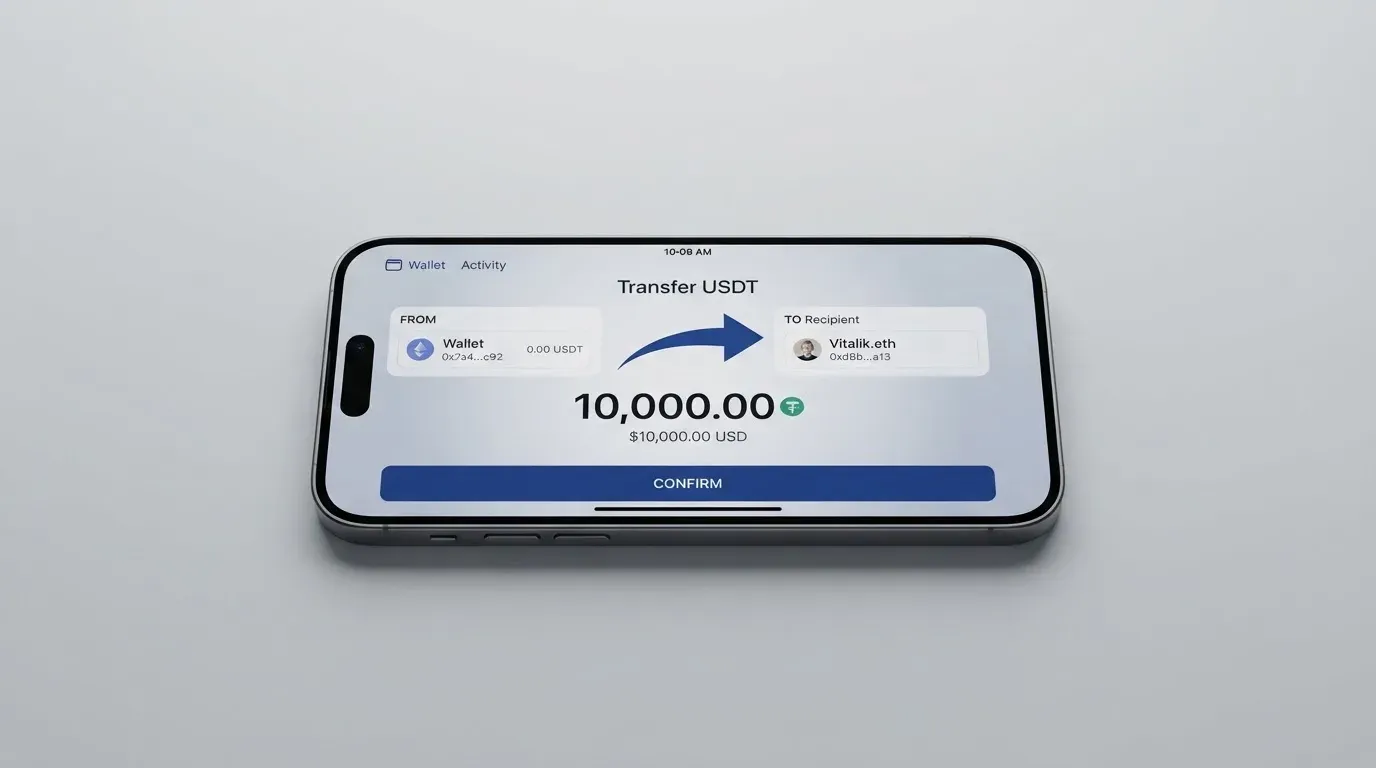
That network silence is the practical risk in this section. Crypto sent on the wrong chain, or to an address belonging to another network, can be lost, or need manual support recovery with no guarantee. One unofficial source adds DOGE to the Stellar card’s list and says wallet top-ups can also come from a bank account or an eligible Visa or Mastercard (Finbold, July 2026); nobody I read published the networks. So the way to read this section is: UPay tells you *what* coins, not *where* to send them, and you will want the network confirmed in writing before your first transfer. It is also worth remembering that the on-chain network fee for a deposit is charged by the blockchain, not by UPay — that cost is separate from anything the card might charge.
Paying with it every day
This is where UPay is strongest, and the everyday experience is the reason to stay interested. You can hold a virtual card or a physical one, for personal or business use. You can link Apple Pay, Google Pay and Samsung Pay from the home page. The card works at ATMs. Payments convert to USD, EUR, AED and others, so it behaves like an ordinary card at the till.
Against that, a few practical notes. The card network is not named officially, so I cannot tell you whether it is more or less widely accepted than a rival — and network is what determines acceptance in some corners of the world. Whether any merchants are blocked is not stated. No cashback is described on the card page, though the home page lists an “Earn While You Sleep” product by title alone, which I could not evaluate. The app is linked from the App Store, Google Play and as an APK download; its rating and number of ratings I could not find. And how a disputed transaction is handled is not stated — the FAQ page returned an error and the help-centre terms is a stub.
One thing that will bite in the wider world rather than at the till: some shops look at the card’s issuing country through the bank identification number and apply extra scrutiny, or decline prepaid and foreign-issued cards outright. If you are declined, that is often the reason, and it is not a fault in your card. Address-verification checks, which compare the billing address you typed with the issuer’s records, are mostly a US, Canada and UK thing and are generally unavailable for foreign-issued cards — another source of declines abroad.
What can go wrong
Nobody publishes incident reports, so what follows is what users report, and you should treat it as such — but it is not idle. Aggregators and reviews cite Trustpilot around 2.5 to 3.3 out of 5 depending on the page and the domain (be careful: some of these are for a different, unrelated “upay.best” or for “Upay Technology Limited” rather than UPay). Alongside that: praise for speed and easy crypto deposits, and complaints about verification, accounts frozen mid-transaction with document requests, false PEP (politically exposed person) flags with no appeal path, unsupported ID types, temporary restrictions after deposits, Apple Pay missing on some cards or in some regions, declined transactions, delayed refunds and unclear fees. One aggregator also reports app crashes after an update and a support bot with no escalation route.
The regulatory posture deserves a sober note. UPay’s company is UPAY TECHNOLOGY LTD., Denver, Colorado, USA, though the address on the site is garbled. It names licences in several places — MSO (Hong Kong), a VASP registration in Lithuania described as “In-Principle Approval,” MSB in the United States and MSB in Canada. The Coin Republic, in an item dated 29 June 2026, reported UPay expanding crypto spending options and noted the article itself did not verify those licence claims. The issuer bank and the card network behind the product are not stated. In plain terms: the licences are claimed across several jurisdictions, but the entity actually issuing your card and holding your balance is not named on the pages I read.
The things that go wrong with any crypto card, and that apply here unless UPay says otherwise (it does not, on these pages), are worth keeping in mind. The funds may be custodial — the provider holding your credentials, which means you trust them. Crypto transfers are irreversible; a stolen private key has no recovery because the network cannot freeze or return funds. Custodial platforms have a real history of failure — Mt. Gox (about US$350 million reported stolen, 2011–2014), Coincheck (about US$400 million, 2018), Ronin Network (US$625 million, 2022). Card programmes themselves can be shut down: WaveCrest, a Visa issuer that supplied crypto card brands, was suspended by Visa in Europe in 2018 and closed all its programmes, and Visa terminated its global agreements with FTX in November 2022. I am not predicting that for UPay. I am telling you the category carries that risk. Safeguards you would expect to see published — two-factor authentication, an instant card-freeze button, spending limits, what happens to your balance if the provider fails — are simply not on the pages I read. Help is offered via a Help Centre, an FAQ and [email protected], but the Help Centre root showed only a Chinese-language heading with no article list when I read it.
One last general point about behaviour: stablecoins can and do lose their peg. TerraUSD collapsed in May 2022 and USDC briefly lost its peg in March 2023. Whatever you load, you are exposed to that. Tether also says it disables tokens in wallets on the OFAC sanctions list, so stablecoins are not censorship-proof. And in the US, FinCEN treats administrators and exchangers of convertible virtual currency as money transmitters while ordinary users spending are not — but the IRS still treats digital assets as property, so exchanging them for goods or dollars generally produces a taxable gain or loss measured at the value on the date of the transaction. I am not giving tax advice — only flagging that each card payment funded from crypto may be a separate taxable disposal, which is worth checking with a professional if the amounts are not trivial.
What to take instead
If UPay’s quiet fee schedule is the thing that bothers you, the complaint is fair — and there are alternatives that publish more or less. Here is how the three I looked at compare, on their published terms.
| CardFlow | HyperCard | Card.fi | |
|---|---|---|---|
| Who it’s for | Aimed at Nigeria; “Nigerians and global users”; no country list or exclusions stated | No country list; App Store says it works in “more than 176 countries” (acceptance, not eligibility) | Ships to “200+ countries”; terms bar residents of, or orders from, sanctioned countries |
| Card | Virtual USD Mastercard, made in about 3 minutes | Prepaid “HyperCard”; network not named; balance in USD or EUR | Virtual and physical Classic/Premium, metal; every physical order includes a virtual card; issued under a card scheme licence |
| Cost to open | Free (“Creating a virtual card is completely free”) | Not stated; App Store lists no fees | Virtual Classic $49, Virtual Premium $249; physical/metal not priced; no monthly, annual, inactivity or minimum-balance fee |
| Fees | Not stated | Not stated on readable pages | Top-up: Classic 1.5% + $1.00, Premium 1%. FX: Classic 3.5%, Premium 2.5%; conversion fee shown before each top-up |
| Funding | BTC, USDT, ETH or Naira bank transfer; networks not stated | Crypto such as USDT, BTC, ETH in the app, converted to USD/EUR; networks not stated | 32 coins across 5 networks; converted at market rate on arrival; wrong-chain deposits risk permanent loss |
| Rewards | Not stated | Not stated | Cashback on card spend: Classic 0.8%, Premium 1%, Metal 1.2% or 2% with caps; headline 10% at coffee shops capped at 10 USDT/month; “up to 18%” on balances, variable |
| My score | 4.9 / 10 | 4.7 / 10 | 6.6 / 10 |
CardFlow is the simplest to understand — free to open, aimed at a specific home market, but it publishes almost nothing about fees either, so its lower score is about thinness, not risk. HyperCard is a prepaid card with a clean app-based flow and clear balance currencies, but again no readable fee or network information. Card.fi is the most transparent of the three: it names its top-up and FX fees in advance, shows the conversion fee before each top-up, lists its five networks, and publishes real cashback tiers with caps. If your priority is “I want to see the numbers before I commit,” Card.fi is the one that shows them to you — at the cost of the highest opening price among the virtual options.
None of these is a recommendation to switch, and none should be read as safer than another. My point is narrower: UPay is not the only option, and one of these will show you its fee schedule more plainly than UPay currently does.
Who I would recommend it to
I would point UPay at you if all three of these are true. First, you already hold BTC, ETH, USDT or USDC and want that balance on a card rather than juggling exchange accounts. Second, you are comfortable with identity verification through a third party, with the understanding that the rules can change and your ID must come from your country of nationality. Third — and this is the one people skip — you are the kind of person who will contact support and get the missing numbers in writing (the network, the ATM fee, the limits, the conversion spread) before you move money you cannot afford to lose. Under those conditions the card does an ordinary job well, with good everyday features.
I would steer you away if any of these are true. You need the fee schedule today to decide something. You are in a country UPay might refuse and cannot tolerate an application failing. You intend to move a large balance quickly, where limits and freezes become the story. You rely on cash from ATMs, because the ATM position is unclear. Or you would rather hold your own keys and accept full self-custody responsibility, in which case a self-custody-linked card is a different category of risk entirely. And if the idea of an unverified licence claim, an unnamed issuer and a help centre that renders as an empty heading makes you uneasy — that is not paranoia, it is the information the public pages actually give you.
Ultimately, UPay asks for trust that its documentation does not earn. The product is convenient; the paperwork around it is thin. Judge it on that basis.
Frequently asked questions
What is the UPay card?
The UPay card is a payment card you fund with cryptocurrency. You top up a wallet with coins such as BTC, ETH or USDT, and the balance converts to fiat so you can spend it in shops, online and at ATMs. UPay offers virtual and physical cards, in personal and business variants. It is a payment tool, not a bank account, and the card network behind it is not named on UPay’s own pages.
How does UPay card work?
You create an account, verify your identity, apply for a card, fund the wallet with crypto, then spend. The identity check runs through a provider called Sumsub and takes about 5 to 10 minutes, and your ID document must be issued by the same country as you. Payments convert into currencies such as USD, EUR and AED. The networks you can use to send your crypto are not stated on the public pages.
Is UPay a bank?
No — UPay is not presented as a bank. The company behind it is UPAY TECHNOLOGY LTD., Denver, Colorado, USA, and it names licences in several jurisdictions (Hong Kong, Lithuania, the United States, Canada). The issuer bank and card network are not stated. A card like this normally depends on a licensed e-money or payment institution doing the issuing, with the crypto brand often only managing the programme in front.
Who owns UPay?
UPay is operated by UPAY TECHNOLOGY LTD., registered in Denver, Colorado, USA, though the address printed on the site is garbled. It claims an MSO licence in Hong Kong, a VASP registration in Lithuania described as “In-Principle Approval,” and MSB registrations in the United States and Canada. One report noted these licence claims were not independently verified by that source, and the issuing bank is not named.
Is UPay card available in my country?
UPay claims to support 180+ countries and says it does not serve residents of certain countries, without publishing the list. Third-party sites say “over 150 countries” or “at least 168 countries,” but these are unofficial and unconfirmed by the card, and nobody has published a restricted-country list. Your ID must be issued by the same country as you, which is a separate and stricter test.
How do I get a UPay card?
You register an account, complete the Sumsub identity check, choose and apply for a virtual or physical card, then fund the wallet. The check takes roughly 5 to 10 minutes. UPay does not state whether proof of address is required, what the minimum age is, or the delivery time and cost for a physical card — so those are questions to ask before you rely on a physical card arriving quickly.
Does UPay card require KYC?
Yes. Identity verification is mandatory through the wallet app and handled by Sumsub, and only one KYC level is described: an ID document from your own country, taking about 5 to 10 minutes. Levels, rejection reasons and whether proof of address is needed are not stated. Some unofficial sources say a selfie and proof of address are not required, but that is not confirmed by UPay and users do report being asked for documents after a freeze.
How do I top up UPay card?
You top up the wallet with BTC, ETH or USDT, with USDC also listed among supported coins. Unofficial sources add DOGE for a Stellar variant and mention bank-account or card funding, but neither is confirmed by the card. Crucially, the networks are not stated, so confirm the correct chain in writing before sending — a transfer on the wrong network can be lost.
What are the UPay card fees?
Officially, they are not stated — not the issuance fee, not a monthly fee, not the conversion spread, not the FX cost, not the ATM charge, not the limits. Unofficial figures conflict: $10 or $50 for a virtual card, $100 activation for some physical cards, and top-up fees quoted variously as 1%, 1.5%, 2% or 3%. Treat any single number as unconfirmed until you get it from UPay support in writing.
Is UPay card safe?
That depends on what you mean. Security features like two-factor authentication, instant freeze and spending limits are not published, custodial status is not stated, and user reports mention frozen accounts, false PEP flags and no appeal path. The card network is unnamed and issuer licences are claimed rather than verified. It is a convenience product carrying normal crypto and card-programme risk — use only what you can afford to lose.
Virtual cards: picking one for online use – cryptocardpicker
Content created by the «cryptocardpicker» team