
Anytap card review: a Visa debit paid from your stablecoin balance
 Available in US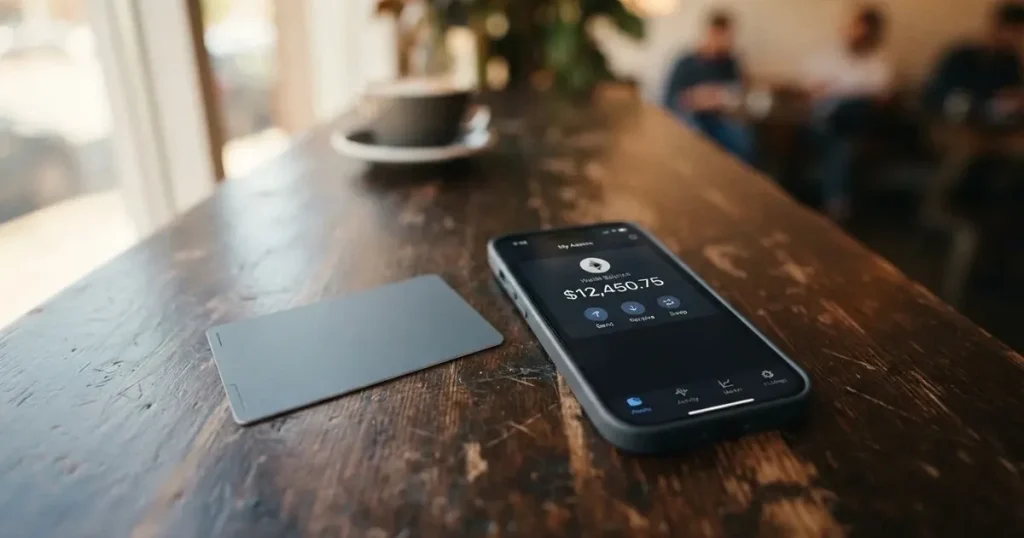
Anytap is a Visa debit card, virtual or physical, that draws on a balance funded by USDT or USDC. If you already hold stablecoins and want to spend them in shops, online or at an ATM, the pitch is straightforward: top up the card from your crypto wallet, and the balance is converted at the point of sale. The conditions I quote below are current as of 2026-10-20, based on Anytap’s own pages and the press materials I could verify.
Conditions are current as of October 28, 2026.
I will walk through who Anytap will issue to, what signup and KYC look like, what the card actually costs day to day, how the top-up flow works, and what can go wrong, then compare it with three alternatives before answering the questions readers ask most.
Verdict
Anytap earns 7.7 out of 10 in my scoring, and the breakdown below shows where the marks come from. The headline is that this is a straightforward stablecoin-to-Visa product: it does the basic job of converting USDT or USDC into something a merchant can take, on networks that are familiar (TRC-20 and ERC-20), and on a card network that almost any shop will accept. The deductions are for transparency. Anytap does not publish its issuance fee, monthly fee, conversion spread, FX fee, ATM fee, daily or monthly limits on the page I could read. The issuing bank, licences and security practices are not named in the materials I could verify. And there is essentially no public reputation yet: no Trustpilot page, no Reddit threads, and no App Store presence under the Anytap name as of October 2026.
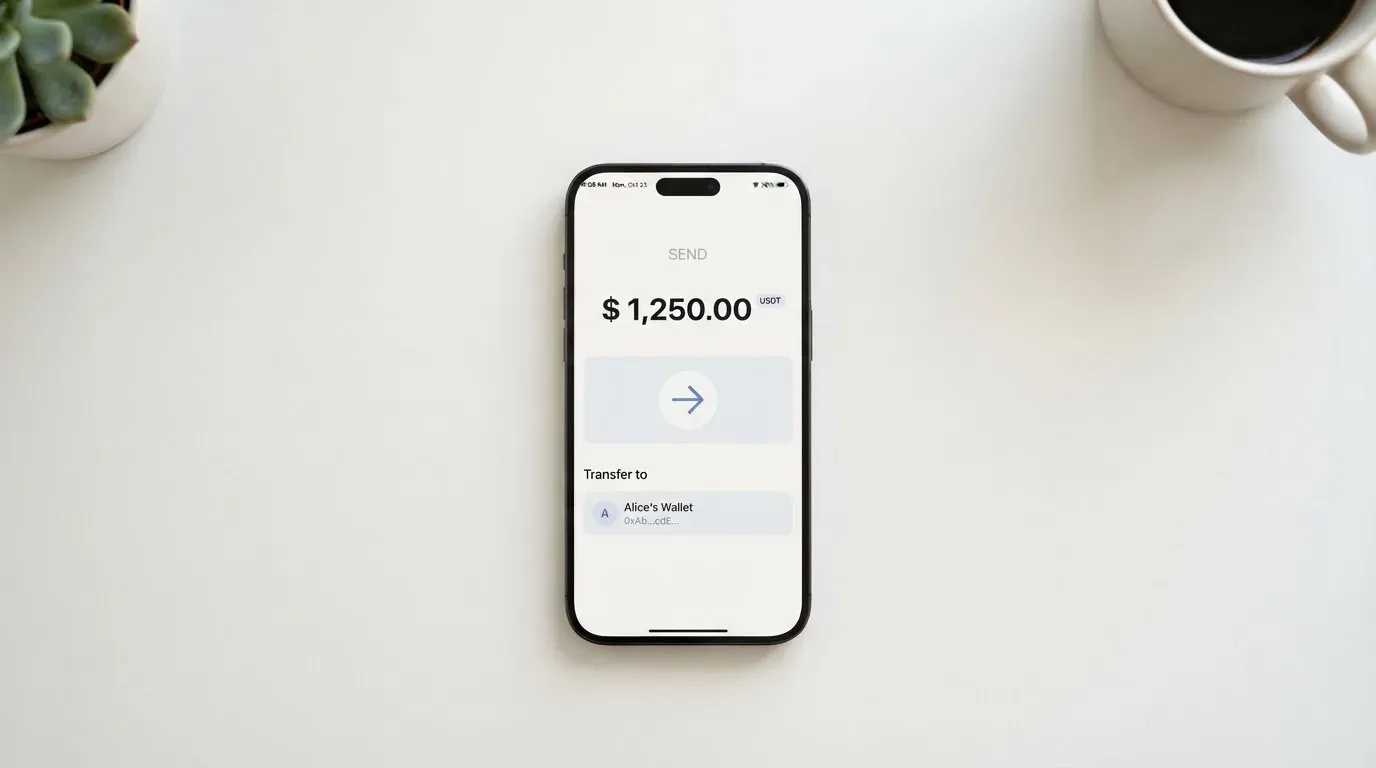
This card suits crypto holders who already keep their day-to-day money in USDT or USDC and who want a frictionless way to spend stablecoins in Asia and worldwide, especially in South Korea, Japan and Indonesia, which the launch press materials call out. It does not suit anyone who needs a published fee schedule before signing up, anyone who wants a cashback or rewards card, or anyone who needs a known and well-reviewed issuer behind the card.
| Criterion | Mark | Reason |
|---|---|---|
| Who can get it | 9 / 10 | Worldwide except OFAC-sanctioned countries per starting data, with a launch focus on Asia. |
| Cost | 6 / 10 | Issuance fee exists but is not published; unofficial numbers put the cross-border fee at 1% plus $0.30 and ATM withdrawals at 2% with a $1 minimum. |
| Top-up options | 9 / 10 | USDT and USDC, with USDT on TRC-20 “faster and cheaper”, and 350+ supported coins. |
| Reliability and complaints | 6 / 10 | U.S.-headquartered fintech per starting data, but no named issuer, no licence list, and no public reviews or Trustpilot page to check. |
| Everyday use | 9 / 10 | Virtual or physical Visa, Apple Pay, Samsung Pay and Google Pay, and ATM access. |
| Total | 7.7 / 10 | A simple stablecoin-to-Visa card with strong top-up options, held back by an opaque fee page and a thin public footprint. |
If you are a USDT or USDC holder paying across Asia, this card is built for you. If you need a card with a published fee table, a named issuer, or cashback, you will want to read the alternatives section before deciding.
Who will they give you the card
Per the starting data I was given, Anytap is available worldwide except for OFAC-sanctioned countries. The application form itself lists United States, Singapore, UAE, United Kingdom, Vietnam, Japan and an “Other” option, which is a fairly typical mix of common crypto-friendly markets plus a catch-all. Unofficial press materials describe the launch as aimed at Asia, “starting with South Korea, Japan and Indonesia”. I could not verify the full country list, exclusion list or residency-versus-citizenship rule on a public Anytap page, so treat the country availability as guidance rather than a guarantee.
What I can say is that the KYC step is the standard one for this category. Anytap’s stated flow is passport or government ID plus a selfie, with applications “approved in minutes” once the documents are in. The signup steps shown on the sign-up page are: register on the web with email, name and address, pay the issuance fee, then activate. Proof of address and minimum age are not officially stated, so the application form is the place where those rules become real. Applicants should be prepared to provide proof of age (18+) and address verification, as is standard for regulated card issuance.
If your country is on the OFAC sanctions list, or if you are a citizen of one and applying from elsewhere, you should not expect the card to be issued. If your country is simply not listed, “Other” may still work, but you are betting on the issuer’s discretion, and the issuer is not publicly named. The right way to find out is to start the application and see whether your country appears in the dropdown, rather than relying on the page I have.
How to get it
The flow is the same whether you want a virtual or a physical card. Both run on the Visa network, per starting data, and unofficial press materials say you can hold up to three cards per person. I could not verify the card’s base currency on a public Anytap page; “not stated” is the honest answer.
In practice the steps are:
- Open the Anytap sign-up page in a browser. Enter an email, your name and your address.
- Complete identity verification with a passport or national ID plus a selfie. Approval is described as taking minutes.
- Pay the issuance fee. The amount is not published on the materials I could read, so the price is only visible at the checkout step.
- Activate the card. The virtual card is available immediately; the physical card is delivered on a timeline not published by the company.
What is missing is exactly what you would want to know before starting: the issuance fee amount, the monthly fee (if any), the ATM fee, the FX and conversion fees, the daily and monthly limits, the supported countries, and the issuer’s name. The page asks you to pay and to upload documents before showing you most of those numbers, which is a deliberate flow but a real friction for someone who likes to compare on paper.
Fees and what it really costs
This is the section where I have to be most honest about what I do and do not know. An issuance fee exists, you pay it before activation, and the company does not publish the amount on the page I could verify. There is no published monthly fee, no published conversion fee, no published FX fee and no published ATM fee in the official materials. The unofficial press materials put a cross-border transaction fee at 1% plus $0.30, an ATM cash withdrawal fee at 2% of the amount with a $1 minimum, and a minimum top-up of 30 USDT, but these are unofficial and not confirmed by Anytap on its public pages. I list them below with that caveat.
| Fee or limit | Amount | Source |
|---|---|---|
| Issuance fee | Paid before activation, amount not stated | Official (Anytap) |
| Monthly fee | Not stated | Official (Anytap) |
| Conversion / crypto-to-fiat at POS | Not stated officially | Official (Anytap) |
| Cross-border transaction | “1% plus $0.30 per transaction” | Unofficial (press release on nny360.com, date not read) |
| ATM cash withdrawal | 2% of the amount, minimum $1 | Unofficial (press release on nny360.com, date not read) |
| FX (foreign currency) | Not stated | Official (Anytap) |
| Top-up fee | 3% per starting data, not verified on the page | Unofficial (starting data) |
| Minimum top-up | 30 USDT | Unofficial (press release on nny360.com, date not read) |
| Daily and monthly limits | Not stated | Official (Anytap) |
| Card tiers | Not stated | Official (Anytap) |
What that means in practice is that the only fee you can be sure of from the official materials is that an issuance fee exists. The rest of the cost picture comes from unofficial sources, and it is the kind of card where a 1% conversion spread and a 1%-plus-30-cent cross-border fee are perfectly possible. For three everyday payments, the fees that could apply are:
- Buying a coffee for the equivalent of $5 in your local currency, paid with a single tap. The crypto-to-fiat conversion is the fee in play, and it is not published. If the spread is 1%, that is five cents on a $5 purchase; on a $100 supermarket shop, it is $1. The cumulative effect on a month’s spending is what really matters.
- Paying a foreign online subscription in euros when your card is denominated in another currency. The FX fee and the cross-border fee both apply. Unofficial numbers put that at 1% plus $0.30, so a $10 monthly subscription would carry about $0.40 in fees.
- Withdrawing $200 from an ATM abroad. The unofficial ATM fee is 2% with a $1 minimum, so the fee is $4. Add the cross-border fee and the FX fee on top, and the real cost of a $200 cash withdrawal in a foreign currency could easily be $6 to $8.
The honest summary: Anytap’s published fee page is thin, and the unofficial numbers are the best I can offer until Anytap publishes its own. If exact fees matter to you, that thinness is itself a reason to look at the alternatives section.
How to top it up
The funding model is what makes this card a stablecoin card rather than a fiat card. You top up the card with USDT or USDC, and at the point of sale the balance is converted to the merchant’s currency. Anytap’s materials say USDT on TRC-20 is “faster and cheaper” than other routes, which lines up with how Tron typically prices its transfers, and Anytap also accepts USDT on ERC-20 and USDC. The starting data I was given lists “350+ supported coins” as well, but the explicit top-up pairs in the materials I could verify are USDT (TRC-20 or ERC-20) and USDC.
A few practical things to keep in mind before you send anything:
- Network matters. Sending USDT on TRC-20 to a USDC address, or ERC-20 USDT to a TRC-20 deposit address, is the classic way to lose funds. Blockchain transfers are irreversible, and a wrong-network deposit typically cannot be recovered. Always copy the address and the network from inside the Anytap top-up screen, never from a saved note or a chat message.
- A wallet that holds only USDT and no native gas token (ETH on Ethereum, TRX on Tron) cannot actually send. Ethereum requires ETH to pay gas, and Tron’s bandwidth and energy pricing usually draws on TRX. If you have only stablecoins in your wallet, the transfer will fail until you add a small balance of the network’s native token.
- Minimum top-up and top-up fee. Per unofficial press materials, the minimum is 30 USDT, and per starting data a 3% top-up fee applies. Neither number is published officially on the page I could read, so check the top-up screen for the actual figure before confirming.
- Funding from your own wallet. Unofficial press materials describe balances that can be moved between a user’s own cards and loaded funds that can be withdrawn to an external wallet. That gives you an off-ramp, but the fee and timing for a withdrawal back to an external wallet is not stated officially.
The top-up experience is the part of Anytap that is most concrete: two stablecoins, two main networks, and a clear preference for TRC-20 if you want speed and low cost. If you keep your day-to-day funds in USDT on Tron, the top-up flow is essentially frictionless.
Paying with it every day
Once the card is funded, you spend it like any other Visa debit card. The card is accepted wherever Visa is accepted, in shops, online, in apps, and at an ATM for cash. Anytap supports Apple Pay, Samsung Pay and Google Pay, which covers the three big mobile-wallet ecosystems, and unofficial press materials say mobile wallet support is “rolled out progressively depending on card type and local market conditions”. In practice that means some combinations of card type, market and device may not yet have wallet support; if mobile pay matters to you, the safest move is to check the Anytap app or website for your specific market.
A few practical points about everyday use:
- Virtual and physical both work online. Online merchants can apply extra scrutiny to a card from an unfamiliar issuer country, and 3-D Secure (the one-time code or biometric step on the checkout page) may be requested depending on the merchant and your risk profile. Most regulated issuers, including crypto card issuers, participate in 3-D Secure.
- ATM access is supported, but fees and limits are not stated officially. Unofficial numbers put the ATM fee at 2% with a $1 minimum. There is no published daily ATM limit.
- Blocked merchant categories are not stated, so I cannot tell you whether the card will be declined at gambling sites, dating services, crypto exchanges or other categories that some issuers restrict. The right test is to try a small transaction before assuming the card will work everywhere.
Cardholder protection policies including chargebacks, dispute resolution and fraud reporting are not officially stated, so it is unclear whether disputed transactions are reversible.
There is no Anytap card app listed in the App Store under that name as of 22 October 2026 (the only “AnyTap” result is the unrelated AnyTap Accessible Camera), and Google Play is not verified either. If Anytap has a mobile app, it does not appear in the public app store listings I could check, so for now the web sign-up is the main user interface, and the day-to-day management tools (card freeze, transaction history, spending controls) are not confirmed in a published feature list.
What can go wrong
This is the section I would most want to read if I were choosing a card myself, because the public footprint of Anytap is thin. Five categories of risk stand out.
Issuer and licence transparency. The starting data describes Anytap as a U.S.-headquartered fintech, but the issuing bank and the licences under which the card is issued are not named on the materials I could verify. A card programme is held by a regulated issuer, and the issuer is the entity that holds your funds in custody, applies the sanctions rules, and processes chargebacks. Without a named issuer, the regulatory home of the card is not on display.
Fee transparency. The official page does not publish the issuance fee, the monthly fee, the conversion spread, the FX fee, the ATM fee or the daily and monthly limits. You will only see most of those numbers at the moment you pay for the card, load it, or transact. The unofficial numbers in the fees section above are the best I could find.
Operational risk. Crypto card programmes have been shut down before. WaveCrest, a Visa card issuer that supplied several crypto card brands, was suspended by Visa in Europe in 2018, which closed all WaveCrest-issued Visa programmes at once. The FTX US debit card was wound down by its issuer after Visa terminated its global agreements in November 2022. Programme closures typically give a notice period, then stop spending and loading, then ask users to withdraw remaining balances. If that happened to Anytap, your ability to use any remaining balance would depend on the timeline and the issuer’s policy.
Reputation and support. Anytap has no verified Trustpilot page, Reddit threads, or public App Store app. There is no public record of dispute handling, support response times, or user experience regarding freezes or closures. Support channels, hours, and security practices such as 2FA, biometric login, card freeze and spending limits are not officially stated.
Counterparty and key risk. Anytap is custodial in the usual sense for this category: you transfer USDT or USDC to Anytap, and Anytap holds the funds and issues a Visa debit balance. Custodial platforms have a record of failure, including Mt. Gox (about US$350 million reported stolen 2011-2014), Coincheck (about US$400 million, 2018) and the Ronin Network (US$625 million, 2022). The risk is real, even if rare, and it is the risk you take in exchange for the convenience of spending stablecoins from a card rather than a self-custody wallet.
For a more cautious choice, the practical effect of all this is that you keep only the balance you intend to spend in the next few days on the card, treat the rest of your crypto in your own wallet, and avoid relying on the card as your only way to pay for a critical bill or a flight.
What to take instead
Three alternatives came up while I was researching. None of them is a perfect substitute, and the best fit depends on where you live, which crypto you already hold, and how much transparency you want from the card’s fee page.
| Card | Score | Card | Cost | Top-up | Rewards |
|---|---|---|---|---|---|
| Anytap | 7.7 / 10 | Virtual or physical Visa | Issuance fee paid up front, amount not published | USDT and USDC, USDT on TRC-20 preferred | Not stated |
| CardFlow | 4.9 / 10 | Virtual USD Mastercard, created in about 3 minutes | “Creating a virtual card is completely free” (site FAQ) | Bitcoin, USDT, ETH or Naira bank transfer | Not stated |
| HyperCard | 4.7 / 10 | Prepaid HyperCard, balance in USD or EUR | App Store page lists no fees | Deposit USDT, BTC, ETH in the app | Not stated |
| Card.fi | 6.6 / 10 | Virtual Classic and Virtual Premium; physical and metal | Virtual Classic $49, Virtual Premium $249; no monthly fee | 32 coins on 5 networks, including USDT, USDC, ETH, BNB, SOL, KAANCH | Cashback on card spending: 0.8% to 2% depending on tier |
CardFlow is aimed at Nigeria and “Nigerians and global users” per the website, with no country list or exclusions stated. It issues a virtual USD Mastercard that you can create in about 3 minutes, and the FAQ says creating a virtual card is free. Funding is by Bitcoin, USDT, ETH or Naira bank transfer, but networks are not stated, and a monthly fee, conversion fee and FX fee are not stated either. It is a quick and free way to get a virtual Mastercard, but the absence of a fee page and a clear licence list is the same pattern as Anytap, just on a different card network and a different market.
HyperCard is a prepaid card with a balance in USD or EUR, available through an app. The App Store page says the card works in “more than 176 countries” (acceptance, not eligibility) and lists no fees, while the official pages do not state a country list. You deposit USDT, BTC or ETH in the app and the balance is converted on the card, but networks are not stated. It is a low-friction option if you already use a HyperCard-supported app, and like the others it does not publish a detailed fee schedule.
Card.fi is the most transparent of the four. Its terms bar residents of, or orders from, “a country subject to sanctions that would prohibit the service”, and the banner says cards ship to 200+ countries. You can hold a Virtual Classic ($49 one-time) or Virtual Premium ($249 one-time), or a physical and a metal card; every physical order includes a virtual card. Funding is 32 coins on 5 networks (Ethereum, Base, BNB Chain, Solana, Kaanch), including USDT, USDC, ETH, BNB, SOL and KAANCH, and the terms show the conversion fee before each top-up. The trade-off is that Card.fi’s fees are not always lower: top-up fees are 1% on Premium and 1.5% plus $1 on Classic, FX fees are 2.5% on Premium and 3.5% on Classic. The premium tier also pays 1% to 2% cashback on card spending, with caps, and the metal tier advertises earn on balances “up to 18%” (variable). If fee transparency and a published tier table are what you want, Card.fi is the more documented option among these.
The right pick depends on what you are optimising for. Anytap is the strongest fit if you hold USDT or USDC and want a card that fits into the Asian markets Anytap is launching into. Card.fi is the strongest fit if you want a published fee schedule, multiple networks, and a cashback option. CardFlow and HyperCard are worth a look if you are in their specific markets or already use their apps, but their fee and licence pages are no thicker than Anytap’s.
Who I would recommend it to
The card earns its 7.7 by doing the basic stablecoin-to-Visa job well and by offering TRC-20 as a top-up option. The deductions are entirely about transparency, not functionality. With that in mind, I would recommend Anytap if you already keep your day-to-day money in USDT or USDC, you live in one of the launch markets in Asia or in any country not on the OFAC sanctions list, and you are comfortable with a card whose fees and limits you will only see at the moment of payment. I would not recommend it if you want a published fee schedule before you sign up, if you want a cashback or rewards card, if you need a named and well-reviewed issuer, or if you intend to keep more than a few days of spending money on the card.
The practical test is simple. Send a small top-up, in TRC-20 USDT if that is your cheapest route, and run a small purchase and a small ATM withdrawal if ATMs matter to you. If the fees you see match what you expected, and if the cardholder experience works in your country, then Anytap is a reasonable fit. If the fees surprise you, or the card does not work in your usual shops, switch to one of the alternatives.
Frequently asked questions
What is the Anytap card?
The Anytap card is a Visa debit card, available as a virtual or physical card, that is funded by USDT or USDC. The crypto balance is converted to fiat at the point of sale so the card can be used wherever Visa is accepted, including online, in shops, in mobile wallets and at an ATM.
How does the Anytap card work?
You sign up on the web, complete identity verification with an ID and a selfie, pay an issuance fee, and activate the card. You then top up the card by sending USDT or USDC to the deposit address shown in the top-up screen, on the network shown there. When you pay, the balance is converted to the merchant’s currency.
Is Anytap a bank?
Anytap is described in the starting data as a U.S.-headquartered fintech. The issuing bank and the licences under which the card is issued are not named on the public materials I could verify, so I cannot confirm a banking licence from the page alone. A regulated card programme is normally held by a licensed issuer; Anytap has not publicly identified that issuer as of the materials I read.
Who owns Anytap?
The starting data I was given describes Anytap as a U.S.-headquartered fintech. The ownership, the parent company and the leadership team are not stated on the public materials I could verify, so the best I can offer is that the company is registered in the United States according to the starting brief.
Is the Anytap card available in my country?
Per the starting data, Anytap is available worldwide except for OFAC-sanctioned countries, and the application form lists the United States, Singapore, the UAE, the United Kingdom, Vietnam, Japan and an “Other” option. Unofficial press materials describe the launch as aimed at Asia, starting with South Korea, Japan and Indonesia. The reliable test is the country dropdown in the application form.
How do I apply for the Anytap card?
You open the Anytap sign-up page in a browser, enter your email, name and address, complete KYC with a passport or national ID plus a selfie, pay the issuance fee, and activate the card. The virtual card is available immediately; the physical card is delivered on a timeline Anytap does not publish.
Does the Anytap card require KYC?
Yes. The stated KYC step is a passport or government ID plus a selfie, and the materials say applications are “approved in minutes” once the documents are in. Proof of address and minimum age are not officially stated, so the application form is where the actual KYC rules become concrete.
How do I top up the Anytap card?
You send USDT or USDC to the deposit address shown inside the Anytap top-up screen, on the network shown there. The materials describe USDT on TRC-20 as “faster and cheaper” than other routes, and Anytap also accepts USDT on ERC-20 and USDC. Unofficial press materials say the minimum top-up is 30 USDT and the top-up fee is 3% per starting data, but neither is confirmed on the public page I read.
Is the Anytap card safe?
Anytap uses a custodial model, so you transfer USDT or USDC to Anytap and Anytap holds the funds and issues a Visa debit balance. That carries the usual counterparty and hack risk of any custodial platform, and the public materials do not state a security practice list (2FA, card freeze, spending limits). Treat the card as a place to keep only the balance you intend to spend in the next few days.
How do I add the Anytap card to Apple Wallet?
The materials say Anytap supports Apple Pay, Samsung Pay and Google Pay, with unofficial press materials describing mobile wallet support as “rolled out progressively depending on card type and local market conditions”. The exact add-to-Wallet step depends on the Anytap app or the wallet flow you are using, and as of 22 October 2026 I could not find a confirmed Anytap card app in the App Store. Check the latest Anytap instructions for your market and device before relying on mobile pay.
Virtual cards: picking one for online use – cryptocardpicker
Content created by the «cryptocardpicker» team