
A US Visa card you fund with stablecoins — smooth on paper, thin on trust signals
 Available in US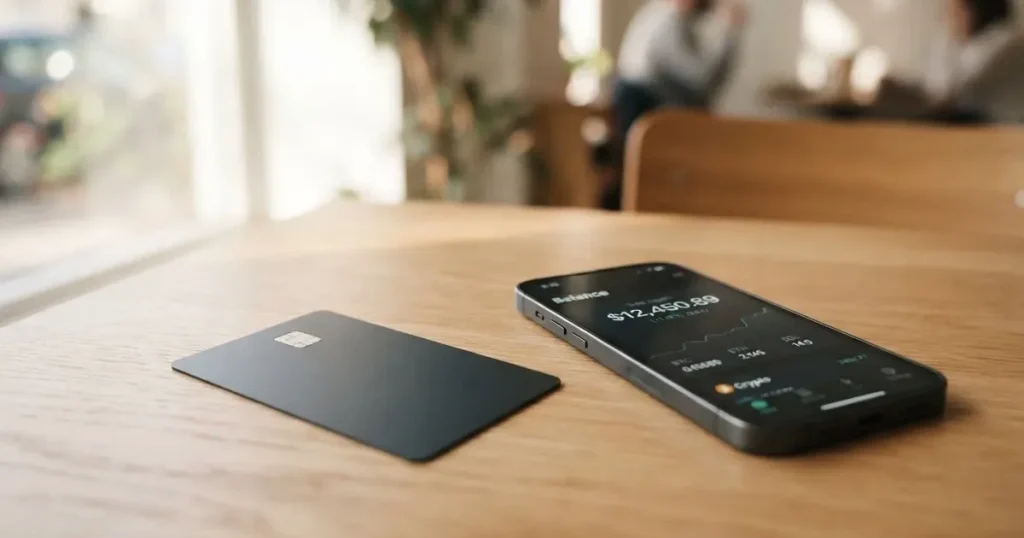
If you are reading this, you are probably weighing one specific thing: a normal bank card is either out of reach where you live, or it does not play nicely with the money you actually earn and hold — US dollars sitting in stablecoins, mostly. Wallbit is a US platform that pairs a custodial crypto account with a virtual Visa card you can load with USDC or USDT and spend like a debit card. That is the pitch, and on paper the numbers are decent: a five-dollar card, no monthly fee, free USD spending, and two percent on currency conversion. My job here is to walk you through what that looks like in practice — who gets in, what it really costs, how you load it, what can go sideways — so you can decide whether it fits your situation. My score for it is 6.7 out of 10, and the reason is fairly simple: the card mechanics are fine, the trust signals around the company are thinner than the card itself would suggest.
The conditions described below are current as of October 28, 2026.
Verdict: 6.7 / 10 — a good card bolted onto a company you have to trust
Let me give you the honest summary before the details. Wallbit is a Wallbit LLC platform registered in the United States, with banking and investment partners also registered there, brokerage through Alpaca Securities LLC and advisory through W2B, Inc. The card itself is a “U.S.-issued Platinum Visa card” — virtual only, for now — that pays in USD and can be loaded straight into Apple Pay or Google Pay. If your goal is a clean US Visa funded one-for-one by USDC, with two percent on currency conversion and no monthly fee, the design is genuinely aimed at you. If your goal is a rock-solid, well-regulated card fronted by a household-name bank, this is not that.
Here is how the score breaks down, criterion by criterion:
| Criterion | Score | Why |
|---|---|---|
| Who can get it | 8 / 10 | Closed to residents or registrants of 17 named countries; rule is by residence or registration |
| Cost | 7 / 10 | $5 issuance, no maintenance; USD spending free, other currency Visa rate + 2%; ATM 1% (min $5); USDC withdrawal 2% on Classic |
| Top-up options | 6 / 10 | USDC and USDT free at 1:1, plus USD, EUR, SEPA, SWIFT, FedNow; networks not named |
| Reliability and complaints | 5 / 10 | US-registered partners and SOC 2 Type I and II, but issuer not named; Trustpilot 4.0/5 from 69 reviews, with reports of post-approval account closures |
| Everyday use | 7 / 10 | Virtual Visa with Apple Pay and Google Pay; NFC ATM withdrawals capped at $250; physical card is “Coming soon” |
| Total | 6.7 / 10 | Solid card, lighter evidence of a sturdy institution behind it |
The audience this suits, in one line: dollar savers who want a US account and a Visa, funded by USDC, and who are comfortable being the judge of their own risk. The audience it does not suit: anyone who needs the card to work everywhere, anyone who wants a physical card in the post today, and anyone whose peace of mind depends on a named, established bank being on the other side of the balance.
Who will they give you the card
The card is not available to residents or legal registrants of a fairly long list of countries: Belarus, mainland China, North Korea, Cuba, India, Iraq, Iran, Israel, Myanmar, Nepal, Nicaragua, Russia, Syria, Turkey, Ukraine, Venezuela, and Vietnam. Countries on the FATF grey list are reviewed case by case, subject to compliance approval. Purchases are blocked outright in North Korea, Cuba, Iran, Russia, Syria, Ukraine, and Venezuela.
Two things worth noting. First, the rule is by residence or registration, not citizenship — the card’s public pages talk about where you live and where you are legally registered, and do not mention citizenship. Second, and importantly for how you read every other country’s rule in this review: that is how this particular card states its own rule. It is not a template you can assume other providers follow, and it is not legal or tax advice — if your own country’s rules on crypto or cards matter to you, check them yourself.
How to get it
Signing up is straightforward: email, password, full name, phone, and an identity document from your country of residence. Verification is described as “typically takes up to one business day.” What is not stated on the public pages: whether proof of address is required, whether there is an age check beyond what the verification implies, what the verification tiers are, or the reasons a file can be rejected. To be clear, the card’s public pages simply do not say — so do not treat a fast approval as a guarantee, and treat a slow or refused one as not necessarily about you.
Once you are inside, you activate the card in the app: tap the card button, then “Activate my card.” The card is a “U.S.-issued Platinum Visa card,” virtual, and pays in USD. Delivery is virtual only — the physical card, including its issuance and shipping, is listed as “Coming soon” (still listed as coming soon on 21 October 2026). So if you are planning around a physical card in your wallet, this is not the product for you today.
Fees: what it really costs
Here is the honest cost picture. The headline is good — a five-dollar card and no maintenance fee — and spending in USD is free on every plan. The costs show up at the edges: currency conversion, cash withdrawals, and getting money back out.
| Fee or limit | Value |
|---|---|
| Issuance (virtual card) | $5 one-time |
| Monthly fee | None |
| Plans | Classic free; Pro $9.00/month; Max $19.00/month |
| Spending in USD | Free on all plans |
| Foreign currency | Visa exchange rate + 2% FX fee |
| Deposits (any kind) | No fee |
| ATM | 1% fee, minimum $5 USD, plus 1% extra for non-USD; ATM operator may add its own fee; $250 USD per transaction |
| Daily spending limit | Exists, shown in app; amounts not stated |
| Crypto withdrawal — USDC | 2% on Classic; 1% on Pro and Max |
| Crypto withdrawal — USDT | 2% on Classic; 1.25% on Pro and Max |
| ACH withdrawal | 1% min $5 (Classic); 0.5% (Pro, Max) |
| Wire withdrawal | 1% min $25 (Classic); 0.5% (Pro, Max) |
| SEPA withdrawal | 1% min $10 (Classic); 0.5% (Pro, Max) |
| SWIFT withdrawal | 1% min $25 on all plans |
| Inactivity fee | $2.00/month after 3 months |
| Fee on closing balance | Not stated |
Let me run three ordinary payments through this, because that is where the fee design either is friendly or is not.
Paying for a subscription in USD — say your streaming service bills $15 — costs you $15. Card use in USD is free on every plan, and that is the clean case this card is good at.
Paying a EUR 20 invoice — your EUR 20 comes out of your balance, converted at the Visa exchange rate plus a 2% FX fee, so the effective cost is a bit under $22 depending on the day’s rate. If you do this often, the 2% is the number to watch; it is the main ongoing cost of using this card away from the dollar.
Taking $200 out of an ATM — the fee is 1% with a $5 minimum, so $5, and if the ATM hands out a non-USD currency, another 1% on top. And know that this only works at contactless NFC ATMs with the virtual card linked to Apple Pay or Google Pay, with a $250 per-transaction ceiling. Your bank at home cannot do this for you; this is a distinctly digital arrangement.
Beyond that, think about the tiers. Classic is free and comes with the card working with Apple and Google Pay, standard rates, and 24/7 in-app support. Pro costs $9.00/month and cuts withdrawal fees by half and trading commissions, with priority support. Max costs $19.00/month with the lowest investment commissions, the highest APR on cash, and a dedicated Account Executive via WhatsApp. The monthly fee is optional; the free Classic tier is where most people will start.
Top up: how money gets in
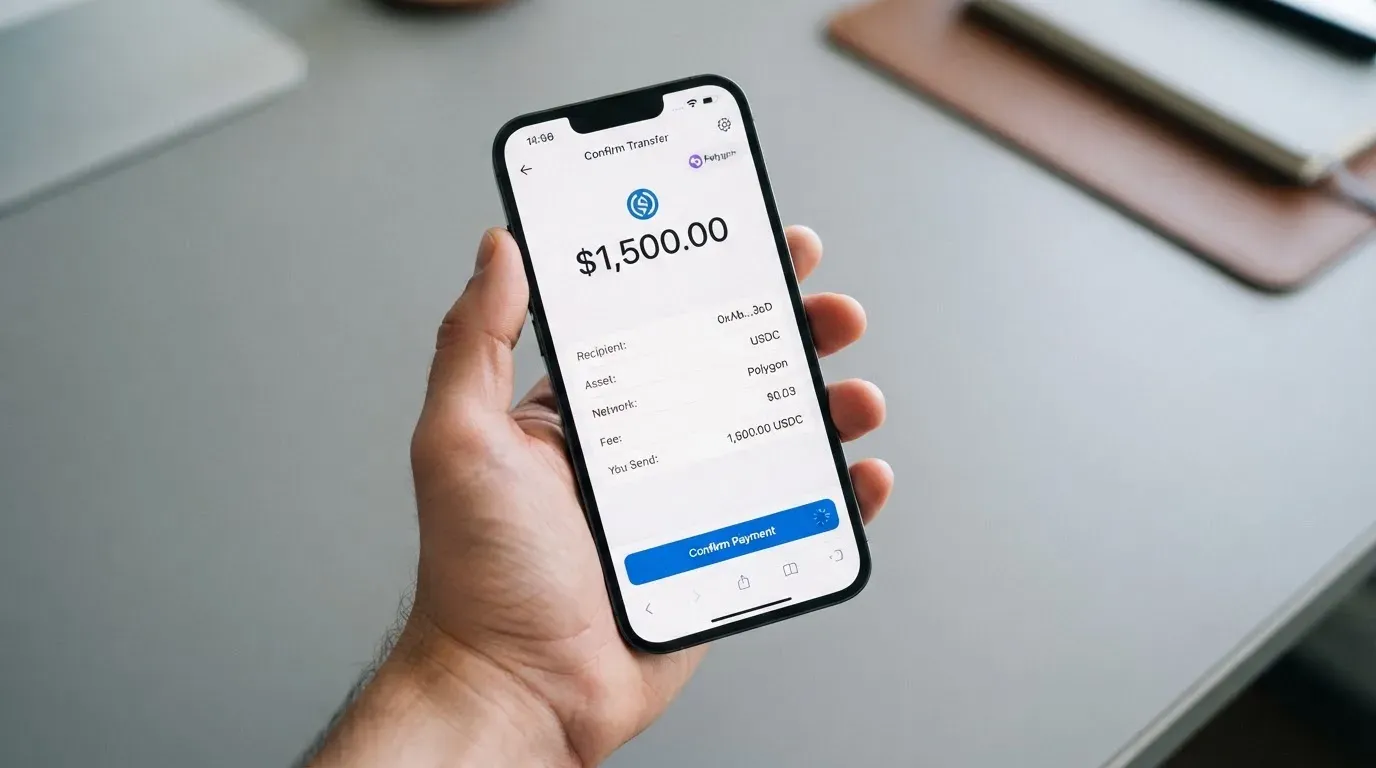
This is the part the card is actually built around, and it is where it does well. Deposits are free, of any kind. You deposit USDC or USDT into the USD account at 1:1 — no conversion spread mentioned — and the same is true of USD, EUR, SEPA, SWIFT, and FedNow deposits. The account can hold USD, EUR, USDT, and USDC.
Two honest caveats. The minimum deposit is not stated on the public pages. And the specific networks you can send USDC or USDT over are not named — that is not stated either — which matters more than it sounds, because blockchain transfers are irreversible and sending on a network the provider does not support can mean lost funds or a long manual support recovery with no guarantee. Before your first transfer, find out in the app or the Help Center which networks they accept. Separately, who pays the on-chain network fee for your deposit is not stated.
Paying with it every day
Day to day, this is a virtual Visa you add to Apple Pay or Google Pay, and that is genuinely the main way you would use it. A few practical notes:
- Some merchants require a US billing address, so a few checkouts may ask for one; the card’s public pages do not list which merchant categories are blocked.
- There is no cashback stated on the card, so do not expect rewards on ordinary spending.
- You can lock and unlock the card from the app, which is a useful everyday control.
- The app is on iOS and Android; its store ratings are not stated.
One thing to understand structurally, because it explains a lot of “the card was declined” stories in this category generally: a card number begins with an issuer identification number that tells the merchant which institution and country issued it, and merchants can apply extra scrutiny when that country differs from your billing address. That is why a US-issued card can look foreign to a shop somewhere else. Declines at unfamiliar merchants are not always about you.
If a payment declines or sits pending, the card has help articles on it, but the chargeback process and its time frames are not stated on the public pages, and there is a user report of a missing payment trace for a PIX payment. Take screenshots when you pay.
What can go wrong
The mechanics are not the risk here — the risk is what happens to your account and your money if something goes wrong at the company level, or if you want to leave.
Account closure after approval. There is a user report of an account being closed after approval, citing compliance, in January 2026. This matters more than any fee, because a card is only as useful as your ability to keep loading it. The card’s public pages do not set out the closure policy or what happens to a balance at closure — the fee on closing balance is not stated.
Support that does not answer. There is a user report from October 2025 of unanswered support emails and no phone contact. The Help Center is at help.wallbit.io, in English and Spanish as far as I saw. If your funds are ever stuck, this is where you would find out how fast they actually respond.
A missing paper trail. There is a user report (May to July 2026) of no end-to-end identification to trace a disputed Brazilian PIX payment. Chargeback process and time frames are not stated.
Who is actually behind it. Wallbit LLC and its banking and investment partners are registered in the United States, brokerage runs through Alpaca Securities LLC and advisory through W2B, Inc. The card issuer itself is not named. The account is custodial, meaning the platform holds the credentials and you trust them completely. SOC 2 Type I and II are cited, and SIPC Excess up to USD 75 million per account applies to investments — but note that is investment protection, not a deposit guarantee on your card balance. As a comparison point from this industry: custodial platforms have a real history of failure (Mt. Gox, Coincheck, Ronin Network), and card programmes themselves have been wound down before.
The reputation data. On Trustpilot the card sits at 4.0 out of 5 from 69 reviews — unofficial, third-party, and not confirmed by the card itself — with 70% five-star and 23% one-star, and the one-star themes are the closure, the unanswered support, and the payment-tracing story above.
I found no official incident, licence change, or issuer change on the card’s own announcements, and the Wallbit blog guides were dated September 2026. So this is not a story of a company in visible crisis — it is a young platform where the entity details are thinner than the card’s polish.
What to take instead
If the Wallbit card’s shape — a virtual card funded by stablecoins — is what you want, but you want different trade-offs, here are the alternatives I looked at, with my scores:
| Card | Score | Card type | Key fees | Top-up |
|---|---|---|---|---|
| Wallbit | 6.7 / 10 | US virtual Visa, USD | $5 issuance, no monthly; +2% FX; ATM 1% min $5 | USDC/USDT free 1:1; USD, EUR, SEPA, SWIFT, FedNow |
| Morse | 7.5 / 10 | Fully virtual Visa prepaid | No FX fees or markups, real-time Visa rate; card use free; issuance/monthly fee not stated | Debit card, USDC/USDG/EURC via Solana free; self-custodial wallet |
| Bitpanda | 6.5 / 10 | Physical Visa debit, EUR only | Non-EUR FX fee EUR 0 but Visa mark-up applies; reissue EUR 5.90–9.90; each extra card EUR 10 | Spends from a chosen asset, converted to EUR |
| UNi Card | 6.1 / 10 | Multicurrency, Mastercard network | No annual or foreign-transaction fee; live OTC rates | Not stated |
The highest-scoring of the four is Morse (7.5/10): fully virtual Visa prepaid, zero foreign-exchange fees or markups at the real Visa rate, free card spending online and contactless, and a self-custodial wallet — which inverts Wallbit’s main trust trade-off. Its catch is access: it is by residence (18+, a supported country, app in over 140 countries for P2P), it cannot serve customers subject to US sanctions (also UK, EU, UN), and it is in closed beta needing an invite code in places like the UK, Singapore, Switzerland, Japan, Australia, Hong Kong SAR China, Thailand, Serbia, Jersey, Guernsey, Isle of Man, Cape Verde, American Samoa, New Zealand, Western Sahara, and Türkiye.
Bitpanda (6.5/10) suits euro-area residents with a verified account; its card is physical, EUR-only, one active at a time, and its cashback figure is unreconciled on its own pages (1% in one place, “up to 2%” in another). UNi Card (6.1/10) is a Mastercard-based multicurrency card with no annual or FX fee and rewards up to 3%, but its eligibility, top-up, and physical/virtual details are not stated on the pages I had.
Who I would recommend it to
I would point this card at one person: someone who already holds USDC or USDT, wants a US Visa they can top up one-for-one with no conversion spread, is comfortable with a custodial account and a virtual-only card, and has checked that their own residence is allowed. For that person, $5 and no monthly fee with free USD spending is a legitimately good deal, and the two percent FX fee is the price of admission for using it abroad.
I would not point it at someone who needs a physical card, who plans to lean on the ATM feature, who wants to be able to name the bank behind the card, or whose peace of mind requires a household-name institution. For those people, one of the alternatives above — particularly the self-custodial Morse — fits better. And before you commit: check the withdrawal and closure terms yourself, keep the balances you can afford to reassess, and remember that a card funded from crypto can be a taxable event each time you spend. I am not giving tax or legal advice here — talk to a professional about your own situation.
Frequently asked questions
What is the Wallbit card?
The Wallbit card is a virtual, US-issued Platinum Visa card that spends in USD from a Wallbit account. You do not apply for a bank card in the usual sense — you open a Wallbit account, pass a one-time identity verification, activate the card in the app, and add it to Apple Pay or Google Pay. The account is custodial, meaning Wallbit holds the credentials on your behalf.
How does the Wallbit card work?
You fund the Wallbit account with USDC or USDT at a 1:1 rate with no fee, or with USD, EUR, SEPA, SWIFT, or FedNow. Then the virtual card spends that balance like a prepaid card. Spending in USD is free on every plan; spending in another currency is charged at the Visa exchange rate plus a 2% FX fee. Cash withdrawals work at contactless NFC ATMs with the card in a mobile wallet, capped at $250 per transaction.
Is Wallbit a bank?
No — Wallbit is a US platform, Wallbit LLC, whose banking and investment partners are registered in the United States. Brokerage runs through Alpaca Securities LLC and advisory through W2B, Inc., an SEC-registered adviser. The card issuer itself is not named on the public pages. So it is a financial platform with US-registered partners and a Visa card front, not a bank in the sense you would hold a deposit at.
Who owns Wallbit?
Wallbit is operated by Wallbit LLC. Its banking and investment partners are registered in the United States, its brokerage arm is Alpaca Securities LLC (FINRA/SIPC), and its advisory arm is W2B, Inc. (SEC-registered, CRD# 331220). The specific entity that issues the Visa card is not named on the card’s public pages.
Who can apply, and who is excluded?
The card is closed to residents or legal registrants of 17 named countries, including Belarus, mainland China, North Korea, Cuba, India, Iraq, Iran, Israel, Myanmar, Nepal, Nicaragua, Russia, Syria, Turkey, Ukraine, Venezuela, and Vietnam. FATF grey-list countries are reviewed case by case with compliance approval. The rule is based on residence or registration, not citizenship. Purchases are blocked in several of these countries outright.
Does applying require KYC, and how long does it take?
Yes — you sign up with email, password, full name, phone, and an identity document from your country of residence. The card says verification “typically takes up to one business day.” Whether proof of address is required, what the verification tiers are, and why a file might be rejected are not stated on the public pages, so treat the timeline as typical, not guaranteed.
Is the Wallbit card free?
Partly. The virtual card costs $5 once and there is no maintenance fee; the free Classic plan covers spending in USD with no charge. But it is not free to use away from dollars: foreign currency costs the Visa rate plus 2%, ATM withdrawals are 1% with a $5 minimum (plus 1% for non-USD), and crypto withdrawals are 2% on Classic. There is also a $2/month inactivity fee after 3 months.
How do I top up the card, and which networks work?
Deposits are free. USDC and USDT go into the USD account at 1:1, and you can also deposit USD, EUR, SEPA, SWIFT, or FedNow. The public pages do not name the networks accepted for USDC or USDT, and do not state a minimum deposit or who pays the on-chain fee — so find the supported network in the app or Help Center before sending, because blockchain transfers are irreversible.
Can I use it in Apple Pay or Google Pay, and is there a physical card?
Yes to both Apple Pay and Google Pay — in fact the mobile wallet is the intended way to use the virtual card, including for contactless ATM withdrawals. There is no physical card yet: issuance and shipping are both listed as “Coming soon,” as of 21 October 2026. If a physical card is a requirement, this is not the product today.
Is Wallbit a safe place to keep money?
It is custodial, so you are trusting the platform with your funds entirely — no seed phrase, but also no self-custody safety net. SOC 2 Type I and II are cited and SIPC Excess up to USD 75 million per account covers investments, but that is not a deposit guarantee on a card balance. On Trustpilot (unofficial, third-party) the card sits at 4.0/5 from 69 reviews, with user reports of account closure after approval and unanswered support. Judge the amount you leave there accordingly.
App and neobank cards: when one suits you – cryptocardpicker
Content created by the «cryptocardpicker» team