
Bitnob card: a virtual Visa/Mastercard that spends your BTC or stablecoin balance, but the fee schedule is hidden and reviewers complain
 Available in US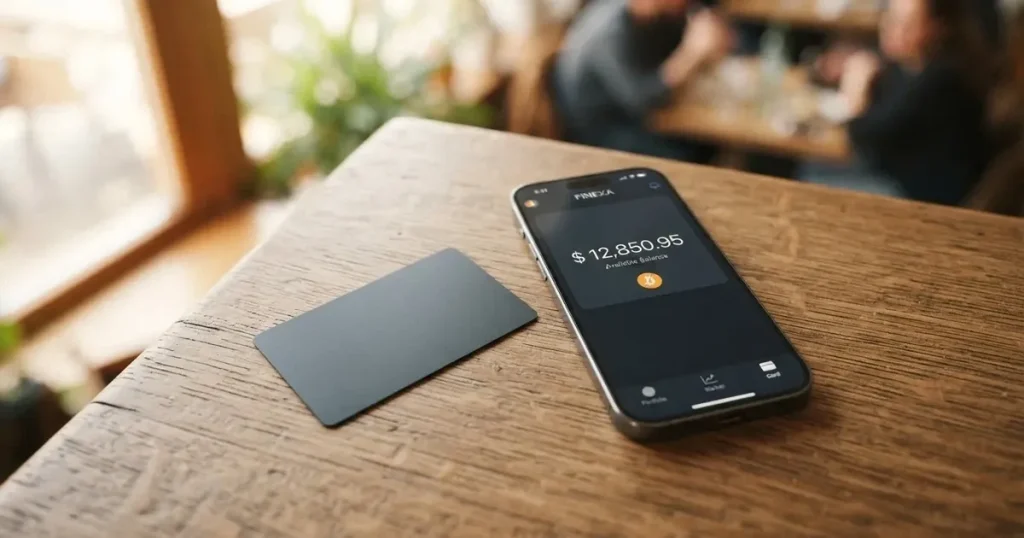
The Bitnob card is a virtual USD Visa or Mastercard that you fund from a Bitcoin, USDT or USDC balance held inside the Bitnob app. It targets users in Nigeria and a handful of other African markets who struggle to get a normal bank card, and it has been live since February 2023. There is no physical version, no published fee schedule, and no cash access at ATMs, which is why my final score is 5.1 out of 10. This review walks through who can actually get one, what it costs in practice, how the daily experience holds up, and where the trust gap is.
The conditions in this review are current as of October 28, 2026.
Verdict
Bitnob lands at 5.1 / 10 in this review. The number is not a guess at how good the card is in absolute terms; it is the sum of the criteria below, each scored against the same ten-point scale, with the same caveats Bitnob itself publishes (or fails to publish). Reading the table is the fastest way to see where the product holds up and where it doesn’t.
| Criterion | Score | Why this mark |
|---|---|---|
| Who can get it | 6 / 10 | The card page does not name the supported countries; the company is Nigeria-based and has expanded to “eight other countries in Africa”, and a 2023 press piece said anyone with the app could create a card. Real eligibility is decided per region by the issuing partner. |
| Cost | 6 / 10 | No fees are published on the official card pages. Unofficial sources disagree (creation is free, or USD 1), and a Trustpilot user reports a USD 6 charge for a replacement card. There is no FX or conversion number to compare against. |
| Top-up options | 6 / 10 | Funding comes from BTC, USDT or USDC wallet balance; the networks are not named, the limits are not published, and an unofficial ceiling of USD 10,000 per top-up is the only number in circulation. |
| Reliability and complaints | 3 / 10 | Bitnob Technologies Limited is not a bank and is not a licensed card issuer; cards come from “regulated card partners”. Trustpilot sits at 2.9 from 5 across 48 reviews, with 50% one-star ratings, and the dominant theme is missing funds and unannounced card cancellations. |
| Everyday use | 4 / 10 | Virtual only, no 3-D Secure, no ATM, no published merchant restrictions beyond “allowed categories”, and the iOS app sits at 3.79 from 108 US ratings. Apple Wallet and Google Pay work but you add the card details by hand. |
| Total | 5.1 / 10 | Useful for its narrow audience, underspecified everywhere else, and visibly troubled on the public review sites. |
The audience the score is written for is an Africa-based user who wants a USD card and is happy to fund it from a Bitnob-held crypto balance. If that is you, the card does the job it advertises. If you are anywhere else, the eligibility question alone can block you, and the fee gap is large enough that you should not be deciding without testing a small spend first. I would not recommend it to anyone who needs a physical card, an ATM, or a fee sheet they can read before they sign up.
Who they will give the card to
Bitnob is deliberately quiet about which countries the card is available in. The card page only refers to “dollar-scarce markets”, the company is headquartered in Nigeria, and the company’s own description says it has expanded to “eight other countries in Africa”. A February 2023 press article went further and said “users located anywhere in the world who have access to the Bitnob app can create a virtual card”, but that line has not been re-stated anywhere I would call current, and Bitnob’s own caveat now is that availability “varies by region and partner institution”.
In practice that caveat is doing a lot of work. The card is issued by what Bitnob calls “regulated card partners” — licensed issuing banks and Visa programme managers, neither of which is named on the card page. Whether a particular country can be served depends on which of those partners is willing to take the application. The same caveat is also why you may be told at the verification stage that the card is not available to you, which is exactly what a Trustpilot reviewer in September 2025 described after already funding the account. If your country is not on the list (and there is no list to check against), you find out by trying.
The other gate is the usual one: you have to be at least 18, you have to pass identity verification, and the rules for the document you submit depend on where you are from. The card page says national ID cards from a list of countries must be submitted front and back together; passports and driver’s licences are not affected by that rule, which suggests the list is shorter for ID cards than for travel documents. Proof of address is not stated on the pages I read, which means it may or may not be asked for, depending on the partner and the country. If you are asked, you should expect the verification to take days, not minutes, and to involve follow-up requests.
There is no separate rule on the card page for residents versus citizens, and there is no list of excluded nationalities. What you do see, in the same paragraph, is the standard regulatory caveat that the partner institution makes the final call, which is the same caveat that lets any programme manager refuse an application without giving a country-level reason. Bottom line: assume you are eligible only if the app lets you proceed past ID, and assume the rules can change without notice.
How to get it
You start in the Bitnob app, not on a website, because the entire card flow lives inside it. The sequence is the same as for almost any other regulated virtual card: create an account, complete identity verification, and then move to the card section. The card itself is virtual only — there is no physical card and no delivery step, which is one less thing that can go wrong in the post.
Two facts shape the experience. First, identity verification is mandatory and is not optional: the card can only be issued to a customer who has passed KYC, which means an ID image and the details that match it. National ID cards from a list of countries need to be uploaded front and back in the same submission; passports and driver’s licences are exempt from the two-sided rule. Second, the card section gives you either a Visa or a Mastercard in USD — the API documentation is more specific and calls it a “USD-denominated virtual Visa card”, while the marketing page says “Visa and Mastercard USD cards”, so the precise network you receive appears to depend on the partner that issues it.
Two things to know before you commit. The product is a single tier: there is no mention of a “standard” versus “premium” version, and there is no published second card for a different currency. The only configuration choices that exist are the ones the dashboard exposes after the card is issued — for example, per-card spend caps by amount, by merchant, by channel (online, in-store, mobile) and by time of day. Those controls are useful, but they are a way of limiting damage, not a substitute for knowing what you are doing.
Fees: what it really costs
The first thing to know about Bitnob’s fees is that you will not find them on the card page. The company says cardholder fees are “defined per platform integration”, which is a polite way of saying that the partner that issues the card sets the schedule, and that schedule is not made public. Bitnob does say you get “seamless conversion at the best available rate” with no FX or conversion fee, but in the absence of a number, “best available” is a phrase, not a guarantee.
Unofficial sources disagree on the basics. The Paypers (February 2023) and cryptocards.so (undated) describe card creation as free; nairacompare.ng (2026) lists a USD 1 creation fee. The only fee I have seen attached to a real customer event is a USD 6 charge for a replacement card, mentioned in a Trustpilot review from June 2025. None of those three numbers are from Bitnob itself, and Bitnob has not, as far as I can see, confirmed or denied any of them.
The bigger unknown is the cost of actually spending. A card in USD that you fund with USDT should, in theory, only expose you to the on-chain network fee of the top-up and the spread the conversion partner takes. The spread is the part Bitnob does not name. If the card is funded with BTC, the spread is wider, because the conversion is BTC → USDT → USD, and two conversions are two spreads. The product is prepaid: there is no overdraft, so you cannot spend more than the loaded balance, and you cannot run up a debt by accident.
ATM withdrawals are not available. The API documentation lists “no ATM withdrawals” as a feature, and the only way to turn the balance back into cash is a withdrawal back to your Bitnob wallet — the mechanics of which are not published either.
The costs, in one place
This is the table Bitnob should publish. It is the table Bitnob does not publish. The “not stated” rows are the gap you are being asked to accept.
| Fee or limit | What the page says | Source |
|---|---|---|
| Card creation | Free, or USD 1 — sources disagree | The Paypers 2023, cryptocards.so, nairacompare.ng 2026 |
| Replacement card | USD 6 reported by a user | Trustpilot, June 2025 |
| Monthly / annual fee | Not stated | — |
| Conversion fee | Not stated (“best available rate”) | Bitnob card page |
| FX fee | Not stated | — |
| ATM withdrawal | Not available | Bitnob API documentation |
| Daily / monthly spend limit | Configurable per card; no public defaults | Bitnob card page |
| Top-up limit | Not stated; unofficial USD 10,000 per top-up | The Paypers, February 2023 |
Three everyday payments, and what they cost
- Coffee in Lagos paid in naira with USDT funding. You load USDT into your Bitnob wallet (you pay a network fee on whatever chain you sent it on), Bitnob converts to USD, the merchant receives naira through Visa or Mastercard’s FX, and the spread between the USDT/USD rate and the USD/NGN rate is the only “fee” you can see. Because Bitnob does not publish a conversion or FX percentage, your only check is to compare the naira amount the merchant shows against the rate on xe.com at that minute. The wider the gap, the wider the spread the partner is keeping.
- Online subscription paid in USD with BTC funding. Two conversions happen: BTC to USDT, then USDT to USD. The second is normally tight; the first carries the BTC/USDT spread, which is wider on smaller amounts. A USD 10 subscription might cost you a small extra amount in BTC depending on the spread.
- Replacement card after an unannounced cancellation. A Trustpilot reviewer in June 2025 reported being charged USD 6 for a new card after the original was cancelled without notice. There is no published replacement fee, so USD 6 is the only public number, and it is unofficial.
The pattern across those three examples is the same: you can name the network fee, you can roughly estimate the spread, and you cannot pre-quote any other line item. If your tolerance for unstated costs is low, this is the wrong card.
Top up: how the card is funded
The card draws on a balance inside the Bitnob app, not on a bank account, and the balance is funded from your Bitnob-held Bitcoin, USDT or USDC. The flow is: send crypto from a wallet you control (or buy it inside the app) to your Bitnob wallet, wait for confirmations, and the corresponding fiat value lands as a USD balance that the card spends. There is no overdraft, and the card is prepaid in the strict sense, so it cannot spend beyond what has been loaded.
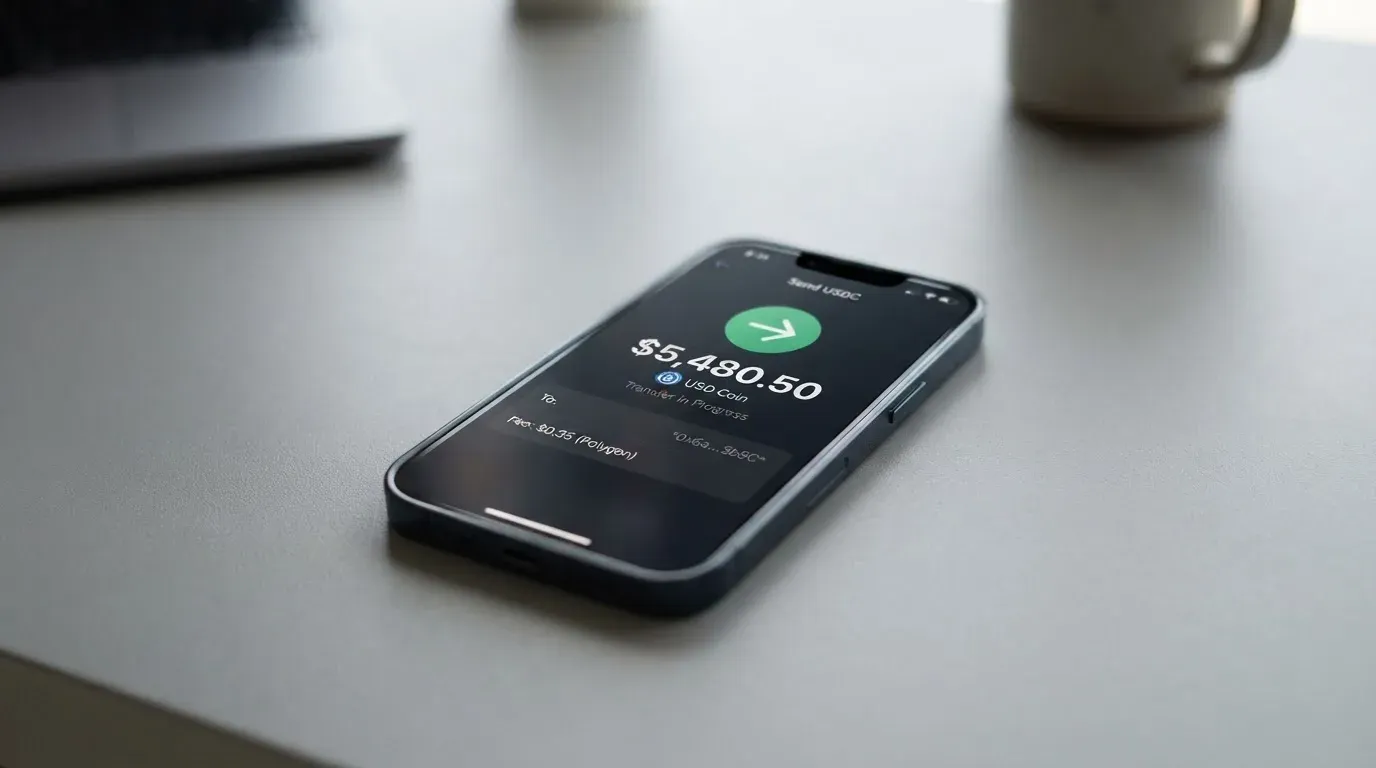
Three details matter and Bitnob does not tell you any of them on the card page. The first is the network. Bitcoin, USDT and USDC each exist on multiple blockchains (Ethereum, Tron, Solana, Polygon, Base and others), and the fee, the speed and the chance of a recoverable error all depend on which one you use. The card page does not say which networks Bitnob accepts. If you send USDT on a chain Bitnob does not support, the deposit may simply not credit, and because on-chain transfers are irreversible, the only path back is a support ticket with no guarantee. The second is the top-up cap. Unofficial reporting puts it at USD 10,000 per top-up, but Bitnob has not confirmed a number. The third is the withdrawal direction: how to move unused balance back out to your own wallet is also not stated on the card page.
If you only ever use Bitcoin on the Bitcoin network and USDC on a network you have already confirmed with support, the day-to-day is fine. If you treat the wallet like a generic exchange and send whatever you have on whatever chain is cheapest, you are one wrong network away from a recoverable-but-painful support case.
Paying with it every day
Once the card is loaded, spending is the easy part. The card is a standard USD Visa or Mastercard, so any merchant that takes either network takes the card, online or in person. The friction shows up in three places: tokenisation, security checks, and category restrictions.
For tokenisation, you can add the card to Apple Wallet or Google Pay, but you add it by typing the card details in by hand, rather than scanning or pulling them through the app. Apple Wallet has a regional wrinkle: the Apple ID region must be set to United States for the card to be addable, which is fine if your Apple ID is US, awkward if it is not. Google Pay does not have that wrinkle in my reading. In both wallets, the tokenised card number replaces the long number at the point of sale, and the card issuer can still impose restrictions on the token (for example, blocking the tokenised number for in-store or online use), though Bitnob has not published what restrictions, if any, it applies.
For security checks, there is no 3-D Secure. That is a deliberate choice on Bitnob’s side rather than a feature of the network, and it has two consequences. Online merchants that require 3-D Secure will decline the card, and where 3-D Secure is optional, the merchant’s fraud system carries more of the risk and may decline the card anyway. The lack of 3-D Secure also has a consumer-protection angle: in a chargeback, the liability rules under 3-D Secure can shift the cost of fraud away from the cardholder, and without it, the burden of proof is harder to manage. Bitnob has not published its dispute process, which is its own problem.
For category restrictions, the card is blocked to merchants “within allowed categories”, but Bitnob does not publish the list. The most commonly blocked category on regulated cards is gambling (the MCC 7995 range), and many issuers also block crypto on-ramps and a few high-risk merchant types, but you cannot tell from the dashboard which categories are off until you try. There is no ATM, so cash access is not on the table at all.
The iOS app sits at 3.79 from 108 US App Store ratings, which is mid-pack for a fintech app and not a number to over-interpret on its own. The Google Play rating was not read for this review. Spend controls are reasonable: per-card caps by amount, by merchant category, by channel (online, in-person, mobile) and by time of day, plus a card-freeze toggle in the menu. For prepaid cards without 3-D Secure, the freeze and the channel-level controls are the main tools you have to limit damage if the number leaks, and they are worth using.
What can go wrong
The most useful source on what can go wrong is the public review thread, because Bitnob itself does not publish a list of incidents and the dashboard does not surface a status page. Trustpilot, read on 21 October 2026, gave Bitnob 2.9 from 5 across 48 reviews, with 50% one-star ratings. The themes that come up most often are:
- Missing or disappearing funds. Multiple reviewers in 2025 and 2026 describe a balance that was visible, then was not, with no explanation and no resolution on the first support ticket. The volume of these reviews is the main reason the reliability score is as low as it is.
- Cards cancelled and details changed without notice. A June 2025 reviewer reported the card being cancelled and details being changed, then being charged USD 6 for a replacement. If true, this is the worst kind of event for a user with a recurring subscription tied to the card, because the cancellation is not synchronised with the merchant.
- Verification and withdrawal errors. September and October 2025 reviewers describe being unable to withdraw after passing verification, including one case where a deposit was made before verification was refused. The lesson is to verify before you fund, not the other way round.
- Support quality. Reviews from January and July 2026 describe a virtual card balance that did not match what the dashboard said, and support that took weeks to reply, if it replied at all.
The structural risk is the one underneath those complaints. Bitnob Technologies Limited, the company behind the app, is not a bank and is not itself a licensed card issuer. The cards are issued by “regulated card partners” — licensed issuing banks and Visa programme managers, neither named on the card page. The page is also explicit that Bitnob is “not a licensed card issuer”. That is not unusual for a crypto card programme (the same is true of most cards in this category), but it matters when something goes wrong, because the entity you have a relationship with is not the entity that holds the licence or, in some cases, the customer funds. Bitnob has not published which licences the partners hold or under which jurisdiction they sit, and the regulator is not named either.
The security model is custodial. Your crypto sits in a Bitnob wallet that only Bitnob controls, the card spends the converted balance, and you rely on the company to keep both the wallet and the card programme honest. The card can be frozen from the dashboard, the spend controls are per-card, and the card is prepaid so it cannot overdraw. None of that is a substitute for the basics: app-based 2FA, a strong unique password, and not parking more on the card than you can afford to lose to a single incident.
Two related risks worth flagging. The first is stablecoin depeg. The card is funded by USDT or USDC, both of which have lost their peg at points in the past (most famously USDC in March 2023). A multi-day depeg on a card funded at the peak would show up as a real loss on the loaded balance. The second is sanctions and regulatory action. The same KYC system that lets you in is the one that can freeze your account if a name match trips, and the public material is clear that pre-paid card programmes can be wound down (FTX’s card in November 2022, WaveCrest-issued Visa programmes in 2018). If a programme is wound down, the typical pattern is: a notice period, then new loads stop, then spending stops, then you are asked to withdraw any remaining balance; the exact timing is set by the issuer, not by you.
What to take instead
Bitnob sits in a small group of Africa-focused and globally accessible virtual crypto cards, and three of its peers are worth a serious look. The scores below are from the same ten-point scale I am using here, so you can line them up.
| Card | Score | What it is | Best for | Main trade-off |
|---|---|---|---|---|
| Bitnob | 5.1 / 10 | Virtual USD Visa/Mastercard funded by BTC, USDT or USDC; Africa-led | A USD card for an Africa-based balance, where other issuers are hard to reach | Fees and limits are unpublished; Trustpilot trust gap is real |
| CardFlow | 4.9 / 10 | Virtual USD Mastercard aimed at Nigerians and “global users”, created in minutes | A quick virtual card with a free creation flow and BTC / USDT / ETH / Naira funding | No fee numbers, no published network details, the same Africa-led gaps as Bitnob |
| HyperCard | 4.7 / 10 | Prepaid card with USD or EUR balance, accepted in “more than 176 countries” per the App Store | A multi-currency card for travel and online spending, with crypto top-up | Country eligibility is not stated on the official pages, and the issuer is the same kind of regulated partner you find on Bitnob |
| Card.fi | 6.6 / 10 | Virtual and physical, Classic / Premium / metal, ships to “200+ countries” | A card you can compare on a real fee sheet, with cashback and balance yield on the metal tier | USD 49 one-off for the virtual Classic, USD 249 for the virtual Premium; a 1.5% top-up fee on Classic and 3.5% FX fee on Classic drop to 1% and 2.5% on Premium |
The pattern in that table is what you would expect: the more expensive the entry, the more you get in return. Card.fi is the only card on it that publishes a fee sheet and a network list, which is why it is the only one I can compare Bitnob against on actual numbers; if your situation is “I want a real fee schedule, I want to know which coin on which chain, and I do not mind paying USD 49 up front for the Classic”, Card.fi is a more honest product. If your situation is “I am in Nigeria, the bank will not give me a card, and I have BTC in my Bitnob wallet that I want to spend”, Bitnob is closer to fit-for-purpose, and CardFlow is a slightly cheaper peer with the same rough edges. HyperCard is the option to look at if you specifically need a EUR balance and a wider acceptance footprint, but it shares the same opacity problem.
There is no public list of countries where Bitnob is licensed to issue, no published fee schedule, and no public status page, so the comparison I can give you is constrained by what the cards publish. If you are comparing cards for a serious amount of monthly spend, the safest move is to put the four cards through the same test — load USD 50, spend it at three different merchant types, and time how long the support email takes to come back — and then decide on your own data, not mine.
Who I would recommend it to
I would recommend the Bitnob card to an Africa-based user with a stablecoin balance who already lives inside the Bitnob app, who has tested the support email and is comfortable with a prepaid product without 3-D Secure, and who needs a USD card to pay for online subscriptions or international merchants. For that user, the card does the job, the conversion is one screen away, and the freeze and per-card controls are enough to limit damage if the number leaks.
I would not recommend it to anyone who is outside the supported regions, who needs a physical card, who needs ATM access, who has a large balance they cannot afford to lose access to for the duration of a support ticket, or who needs to know the fee before they tap. For any of those situations, the fee gap alone is enough to disqualify it, and the Trustpilot trust gap is the reason I would not push you to test it without a small first load.
The honest middle position is: the card is fit for a narrow audience, it is underspecified for everyone else, and the public review sites suggest the trust gap is real. If you do decide to try it, the smallest reasonable first load is the right first load.
Frequently asked questions
What is the Bitnob card?
The Bitnob card is a virtual USD Visa or Mastercard that you fund from a Bitcoin, USDT or USDC balance inside the Bitnob app. There is no physical version. The card is prepaid, so it can only spend the balance that has been loaded, and it is issued by what Bitnob calls “regulated card partners” rather than by Bitnob itself.
How does the Bitnob card work?
You send crypto from your own wallet (or buy it inside the app) to your Bitnob wallet, the app converts the balance to USD at “the best available rate” — Bitnob does not publish a rate or a spread — and the card spends that USD balance. Because the card is prepaid, spending is capped at what you have loaded; there is no overdraft.
Is Bitnob a bank?
No. The company, Bitnob Technologies Limited, says on its own card page that “Bitnob is not a bank” and that it is “not a licensed card issuer”. The card is issued by licensed partner banks and Visa programme managers; Bitnob is the programme manager and the front end. The page does not name the partners or the licences they hold.
Who owns Bitnob?
Bitnob is operated by Bitnob Technologies Limited, a Nigeria-based company that says it has expanded to “eight other countries in Africa”. The card pages I read do not list shareholders or regulators, and I have not seen a public ownership statement beyond that.
Is the Bitnob card available in my country?
The card page does not publish a list. Bitnob says availability “varies by region and partner institution”, and a 2023 press article said anyone with the app could create a card. The only reliable way to know is to download the app, complete verification, and see whether the card step lets you proceed. Some Trustpilot users describe being refused at the verification stage after already funding the account, so verify before you load.
How do I get the Bitnob card?
You get it inside the Bitnob app. Create an account, complete identity verification (an ID image and the details that match it; national IDs from a list of countries have to be uploaded front and back), and the card section issues a virtual USD Visa or Mastercard. The card is virtual only, so there is no delivery step.
Does the Bitnob card require KYC?
Yes. The card is only issued to customers who have passed verification. The minimum age is 18. Proof of address is not stated on the card pages I read, so it may or may not be requested depending on your country and the issuing partner.
How do I add the Bitnob card to Apple Wallet or Google Pay?
You add it by typing the card details in by hand rather than scanning or pulling them through the app. Apple Wallet requires the Apple ID region to be set to United States, which is fine if your Apple ID is US and awkward if it is not. Google Pay does not have the same region requirement in my reading. The card is a standard USD Visa or Mastercard, so any merchant that takes either network will take the tokenised number.
How do I top up the Bitnob card?
You top it up by funding your Bitnob wallet with Bitcoin, USDT or USDC and then letting the conversion load the USD card balance. Bitnob does not publish which networks are supported, and the top-up cap is not on the card page; an unofficial USD 10,000-per-top-up figure from February 2023 is the only number in circulation. Sending the wrong coin on the wrong network can mean the deposit does not credit, and because on-chain transfers are irreversible, recovery is a support ticket, not a guarantee.
How do I withdraw money from Bitnob?
You can move the balance back to your own wallet as crypto; the card does not support ATM withdrawals (the API documentation lists “no ATM withdrawals” as a feature). The withdrawal mechanics — networks, fees, time — are not stated on the card page, and the safest pattern is the standard crypto one: send a small test amount first, then the rest.
Is the Bitnob card safe?
It depends what you mean by safe. The card is prepaid, the spend controls are real, and the card can be frozen from the dashboard. The downsides are that the card has no 3-D Secure, Bitnob is not a bank and not itself a licensed card issuer, the funds are custodial (Bitnob holds the wallet), and Trustpilot sits at 2.9 from 5 with a clear theme of missing funds and unannounced cancellations. A reasonable safety posture is to keep only what you can afford to lose access to for the duration of a support ticket, use the freeze when you are not spending, and turn on every per-card control.
Is the Bitnob card worth it?
For an Africa-based user with a stablecoin balance who already uses the Bitnob app and who needs a USD card for online merchants, the card is worth a small first test. For anyone who needs a published fee schedule, a physical card, ATM access, 3-D Secure, or a long incident-free track record, it is not worth it, and a card like Card.fi (with a published fee sheet and a 6.6 / 10 in the same scale) is a more honest product for the same job.
Virtual cards: picking one for online use – cryptocardpicker
Content created by the «cryptocardpicker» team